NetWorldTop | Product Reviews, Tech Guides & Online Tools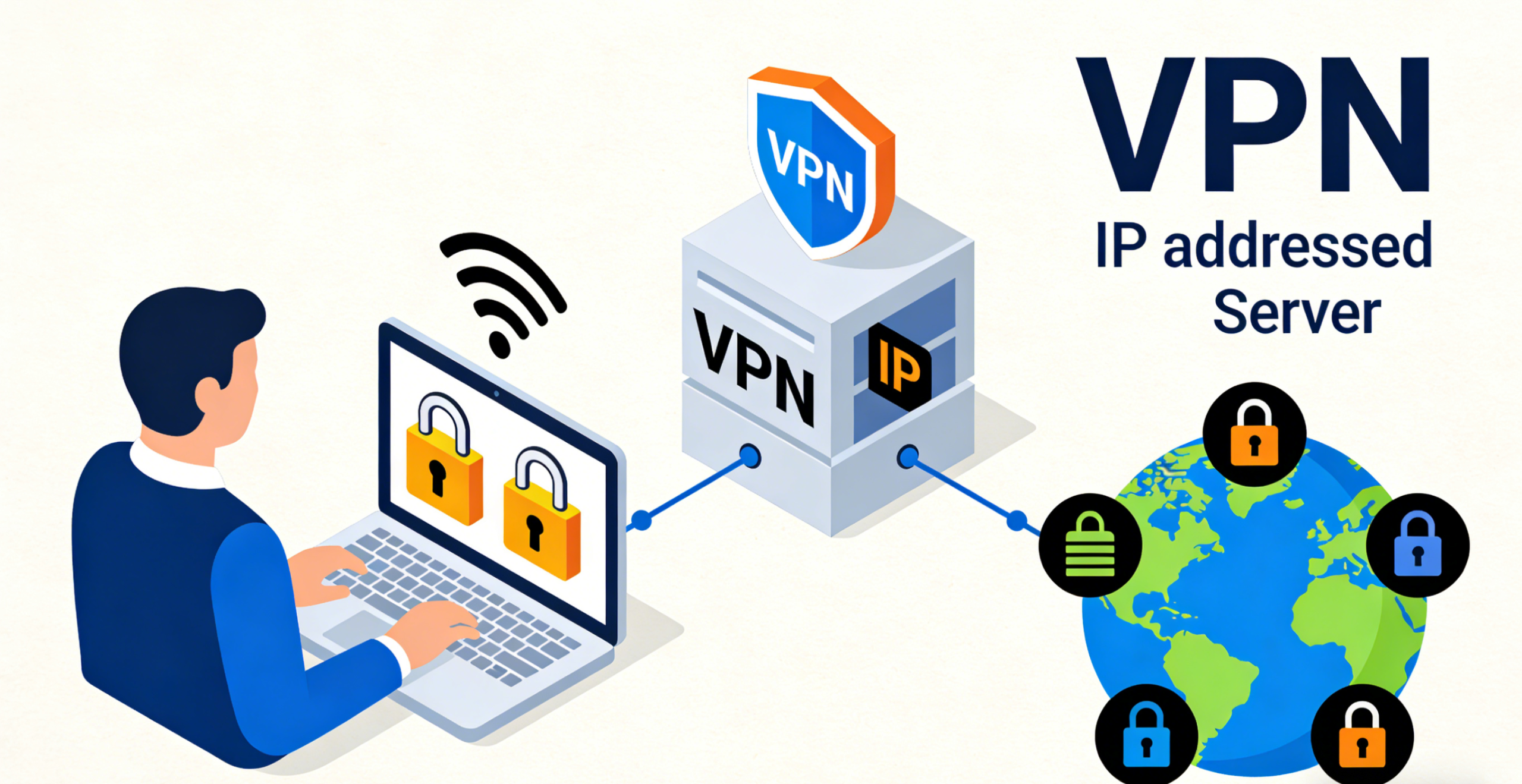
![]() What Is an IP Address?
What Is an IP Address?
An Internet Protocol (IP) address is a unique numerical label assigned to every device connected to a computer network. Think of it as your device’s digital fingerprint—enabling communication between devices by identifying their location on the internet. There are two primary types:
- Public IP Address: Visible to the internet, assigned by your ISP, and used to identify your network globally.
- Private IP Address: Used within local networks (e.g., home Wi-Fi) to distinguish devices like your laptop or smart TV.
Every time you browse the web, stream content, or send an email, your IP address is shared with websites and services to route data back to you.
Why Does Your IP Address Matter?
Your IP address reveals more than you might think:
- Geolocation: Websites can estimate your city, region, and even ZIP code using your IP.
- Internet Service Provider (ISP): Your ISP can track your browsing activity via your IP address.
- Device Identification: Networks use IPs to manage device connections and enforce access restrictions.
This information can impact your online experience—from targeted ads to content restrictions (e.g., region-locked streaming services).
How to Find Your IP Address
Checking your public IP address is quick and easy:
- Via Search Engine: Simply search “What is my IP”—most search engines display it at the top of results.
- Device Settings: On Windows, go to Settings > Network & Internet > Wi-Fi/Ethernet > Properties to view your private IP.
- Command Prompt/Terminal: Use commands like
ipconfig(Windows) orifconfig(macOS/Linux) for detailed network information.
Note: Private IPs typically start with 192.168.x.x, 10.x.x.x, or 172.16.x.x
Protecting Your IP Address
To safeguard your privacy and bypass restrictions, consider these methods:
- VPN (Virtual Private Network): Routes your traffic through a secure server, masking your real IP with one from the VPN provider’s network.
- Proxy Servers: Acts as an intermediary, hiding your IP but offering less security than VPNs.
- Tor Browser: Uses a decentralized network to anonymize your IP, though speeds may be slower.
For most users, a VPN is the most reliable solution—it encrypts your data and hides your IP address simultaneously.
Key Takeaways
- Your IP address is essential for internet communication but can expose your location and activity.
- Public IPs are visible online; private IPs are local to your network.
- You can find your IP via search engines, device settings, or command-line tools.
- VPNs are the gold standard for IP protection, offering both privacy and unrestricted access.
By understanding and managing your IP address, you take control of your online identity and security.